Barcode Inventory Scanning App: How It Works
A barcode inventory scanning app turns your phone into a scanner: count faster, cut errors, and update stock in real time. See how Shelvr works.
On this page
If counting stock by hand eats up your evenings and still leaves your numbers wrong, a barcode inventory app is the fastest fix you can make. Instead of reading a label, typing a SKU, and hoping you didn't fat-finger a digit, you point a camera at a barcode and the item, quantity, and location update in one tap. This guide explains exactly how barcode scanning works, what hardware you actually need, and how to get your first items scanning in an afternoon.
How barcode inventory scanning works
A barcode is just a machine-readable version of a number. When a scanner reads the black-and-white bars (a 1D code like UPC or EAN) or the square pattern (a 2D QR or Data Matrix code), it decodes them into a string of digits or characters. That string is the item's identifier.
Your inventory scanner app takes that decoded number and looks it up in your product database. If it finds a match, it pulls up the item instantly. If it doesn't, it prompts you to create a new product and link the barcode to it. From then on, every future scan of that code resolves to the same item.
The three pieces that make it work
- The code - a UPC, EAN, or Code 128 barcode printed on the product or a shelf label.
- The reader - a camera or laser that captures and decodes the code.
- The lookup - your inventory system matching that code to a SKU and adjusting the count.
The magic is in the third step. A raw scanner just reads numbers; a proper barcode stock scanner connects those numbers to live stock levels, so scanning isn't just reading a label - it's recording a movement.
Benefits of scanning vs manual entry
The case for scanning comes down to two things: speed and accuracy. Manual keying of a 12-digit SKU takes real time and introduces errors on roughly one in every few hundred entries. At scale, that adds up to phantom stock, failed picks, and counts you can't trust.
| Task | Manual entry | Barcode scan |
|---|---|---|
| Time per item | 6-10 sec | 1-2 sec |
| Typical error rate | ~1 in 300 | ~1 in 1,000,000 |
| Count 500 items | ~60 min | ~12 min |
Beyond the raw numbers, scanning changes the work itself. Staff stop squinting at labels and second-guessing SKUs. New hires can run a count on day one because the app tells them what they scanned. And because every scan is timestamped, you get a clean audit trail of who moved what and when.
Do you need special hardware?
Short answer: no. For years the assumption was that inventory scanning meant a dedicated handheld device - a rugged gun costing several hundred dollars, plus docking cradles and a warehouse management system to feed them. That's still an option for high-volume operations, but it's overkill for most small businesses.
Modern smartphone cameras decode barcodes fast enough for real-world counting. A mid-range phone from the last few years reads a UPC in a fraction of a second, in normal store lighting, from a comfortable distance. That means the device already in your pocket can do the job that used to require specialized gear.
If you run a lot of receiving in a dim stockroom, a $15 phone case with a small LED can improve read speed more than a $400 scanner would. Good lighting matters more than expensive optics.
Using your phone as a barcode scanner
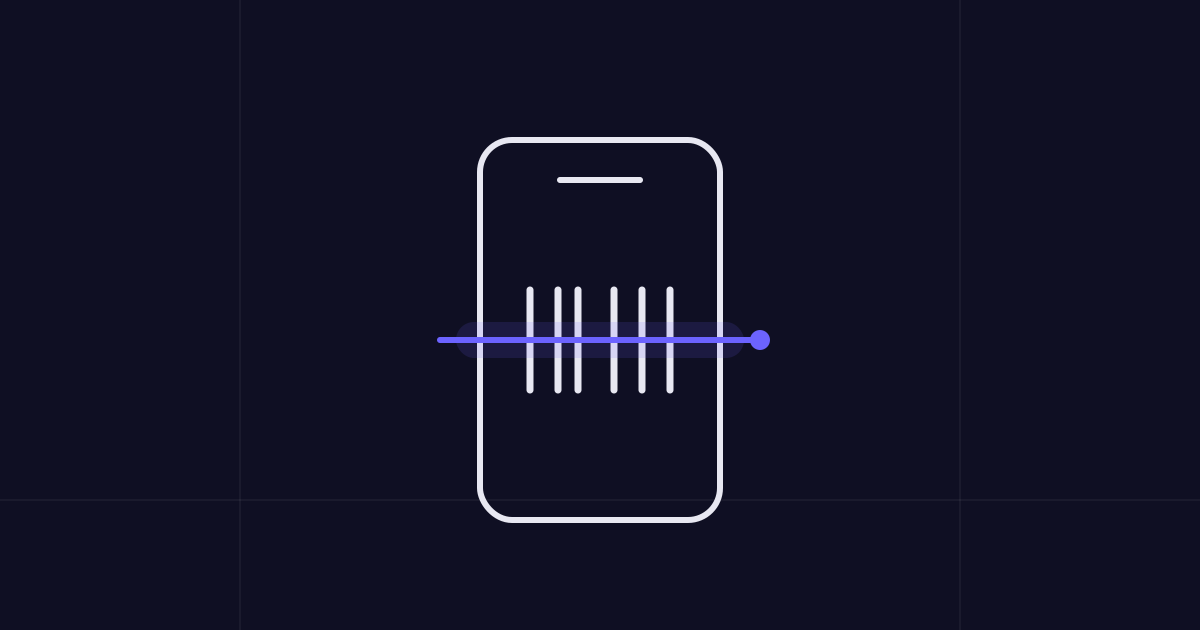
When you scan inventory with your phone, the app opens the camera, watches the video feed for a valid barcode pattern, and decodes it on the device. No typing, no cradle, no separate purchase. Here's a typical flow for a receiving count:
- Open the app and start a new count or receiving session.
- Point the camera at the barcode until it locks - usually well under a second.
- Confirm or adjust the quantity (default is +1 per scan, or type a batch number).
- Move to the next item; the running total updates as you go.
The workflow shines for repetitive tasks like a full stock take or a rolling cycle count, where you're touching dozens or hundreds of items and every saved second compounds.
Barcode scanning with Shelvr
Shelvr turns your phone into a barcode scanner for fast, accurate counts and instant stock updates - no extra hardware required. Open the scanner, aim at a code, and the item appears with its current stock level ready to adjust. Because Shelvr is a barcode inventory app built around your phone, there's nothing to buy beyond the device you already carry.
What you can do by scanning
- Receive stock - scan items in as deliveries arrive and quantities rise automatically.
- Run counts - scan through a shelf to reconcile expected versus actual on hand.
- Move stock - scan during multi-location transfers so both locations stay accurate.
- Track batches and expiry - link a scan to a batch number to keep lot and expiry data intact.
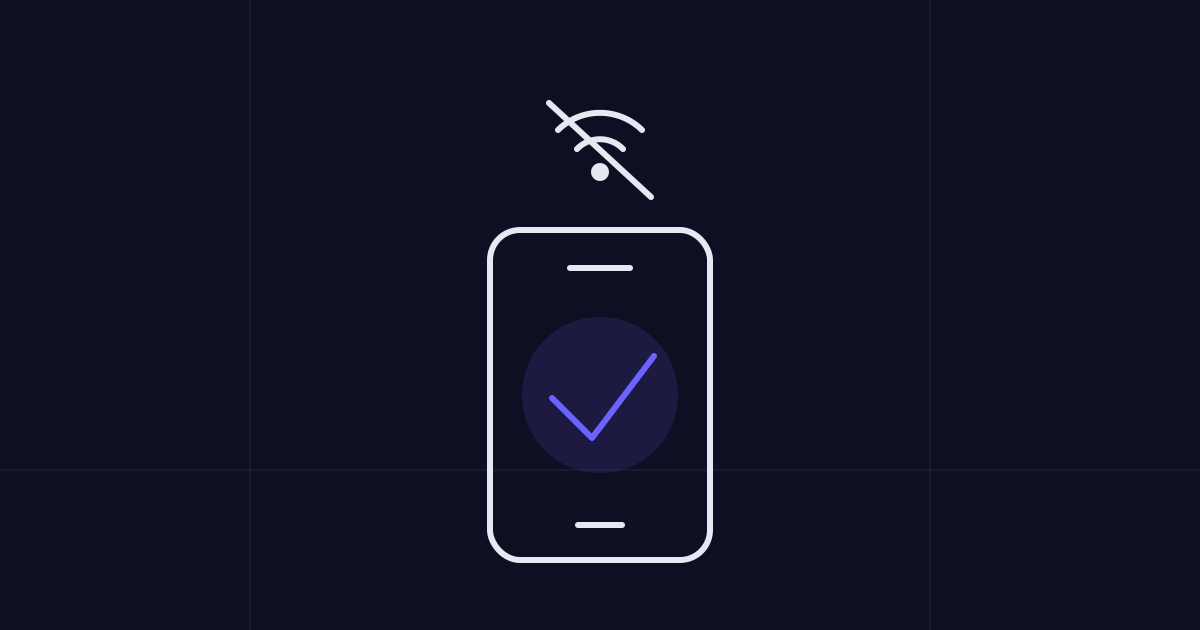
Crucially, Shelvr is offline-first, so scanning keeps working in a back room or cold store with no signal - your counts sync the moment you're back online. You can also scan on the web version at web.shelvr.app if you'd rather work from a laptop with a connected reader.
Items without an existing barcode are handled gracefully. Scan an unknown code and Shelvr offers to create the product and attach the barcode, so your catalog fills itself in as you work.
Getting started with barcodes
You don't need to relabel your whole shop to start. Begin with the products that already carry manufacturer barcodes - most retail goods do - and scan those into your catalog first. For unlabelled or private items, print your own barcode stock scanner-friendly labels using Code 128 or a QR code and stick them on the shelf edge or product.
- Pick your 20-30 highest-value or fastest-moving items to start.
- Scan each one to create or link its product record.
- Print labels for anything without a factory barcode.
- Do one full count by scanning to set an accurate baseline.
Start with a single shelf, not the whole warehouse. One clean, scanned section proves the workflow and builds the habit before you scale it everywhere.
Once your baseline is set, scanning becomes part of the daily rhythm - receive by scan, count by scan, transfer by scan. When you're ready, you can download Shelvr and have your phone reading barcodes in minutes. No guns, no cradles, no contracts - just accurate stock that keeps itself honest.
Run your inventory in one app
Track stock, orders, and production across web, iOS, and Android — free to start.